
Version 5.1.20 (March 2026)
General
New Features
- Web-MFA: The iSecurity GUI now supports the Web-MFA feature. A user that is configured for Web-MFA goes through web verification when connecting to a system. A native update is required for this feature.

Anti-Virus
Enhancements
- Added import/export of definitions.
Dashboard
Enhancements
- Watchdog: Now displays if a product is installed or authorized.
- Watchdog: Now also available locally, as part of Audit.

MFA
Enhancements
- Settings: Added Mobile APP server port.
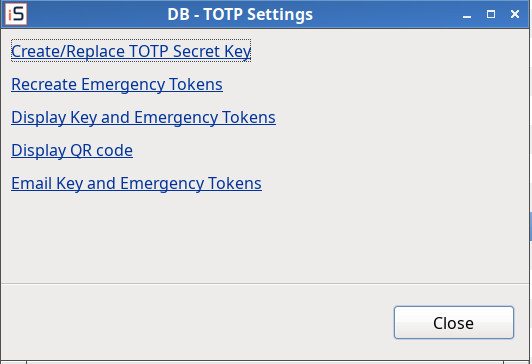
- TOTP: Displaying the secret and emergency codes of a person is adjusted to work the same as in the web application.
- Persons: The table now shows the class of a person, the number of questions, and the TOTP and MFA status.

Version 5.1.15 (June 2025)
Dashboard
Enhancements
- Added Watchdog.

Firewall
Enhancements
- Users and Groups, IP addresses: The default setting of the *ALL IP address for an existing user or group is now Allow.
MFA
Enhancements
- Classes: Creation and deletion of classes that contain an asterisk is now prevented.
- Settings: Added Sign On server.
Version 5.1.14 (April 2025)
Firewall
Enhancements
- Users and Groups, IP addresses: The default setting of the *ALL IP address for a new user or group is now Allow.
MFA
Enhancements
- Classes: Adjusted to native. Added the APP and API classes.
- External authentication providers: Input field lengths adjusted to match native changes.
Visualizer
Enhancements
- Drill Into Firewall Log: When *FILSRV is the only server in the filter, object and library are queried from the FileSystem and Document fields. This is the recommended way to work with *FILSRV data.
- Drill Into Firewall Log: Detailed messages are now displayed when the drill returns no data.

- The Library and Object dimension names are updated to Library/FileSystem and Object/Document.

Version 5.1.12 (May 2024)
Antivirus
New Features
- Scan Online/Batch: Added nodes for working with online and batch scan definitions.

- Maintenance: Added a new Maintenance node.

- Queries: Added new Anti-Virus queries.

Dashboard
New Features
- Connected Systems: Added setting of authorization codes for connected systems. The setting is also available for a local account, under the System Information node.


Enhancements
- By System: The screen now shows the system model and feature, and lists Authority Code part 1 and part 2. This information is also shown for a local account under the System Information node.


Version 5.1.11 (March 2024)
Audit
New Features
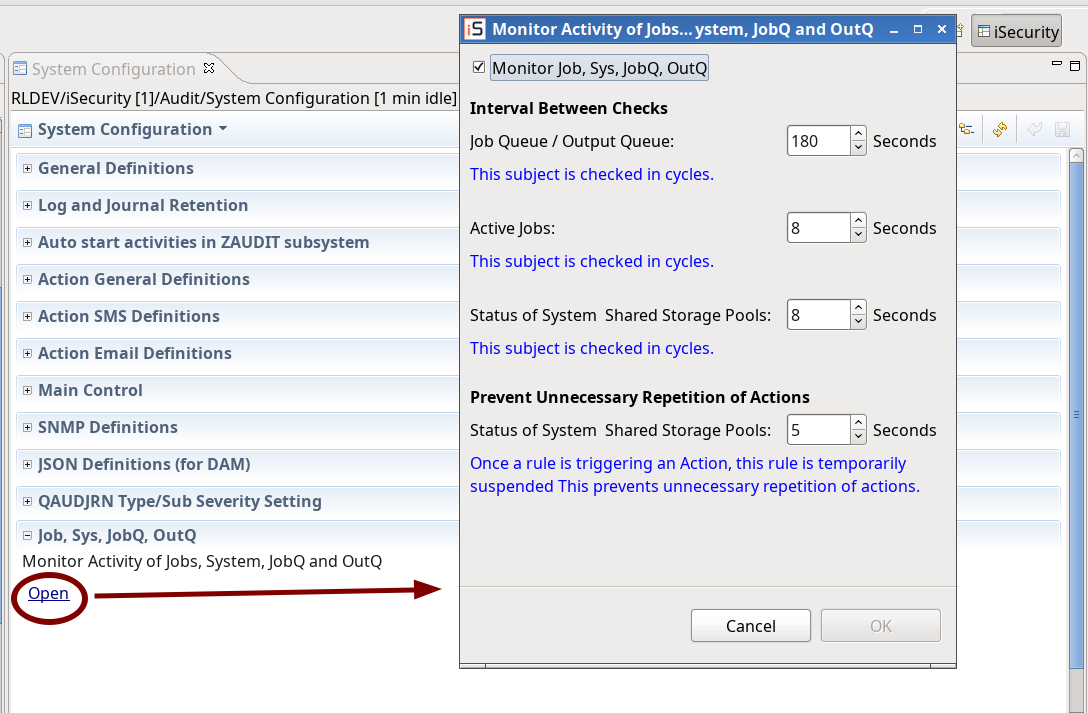
- System Configurations: Added Monitor Activity of Jobs, System, JobQ and OutQ
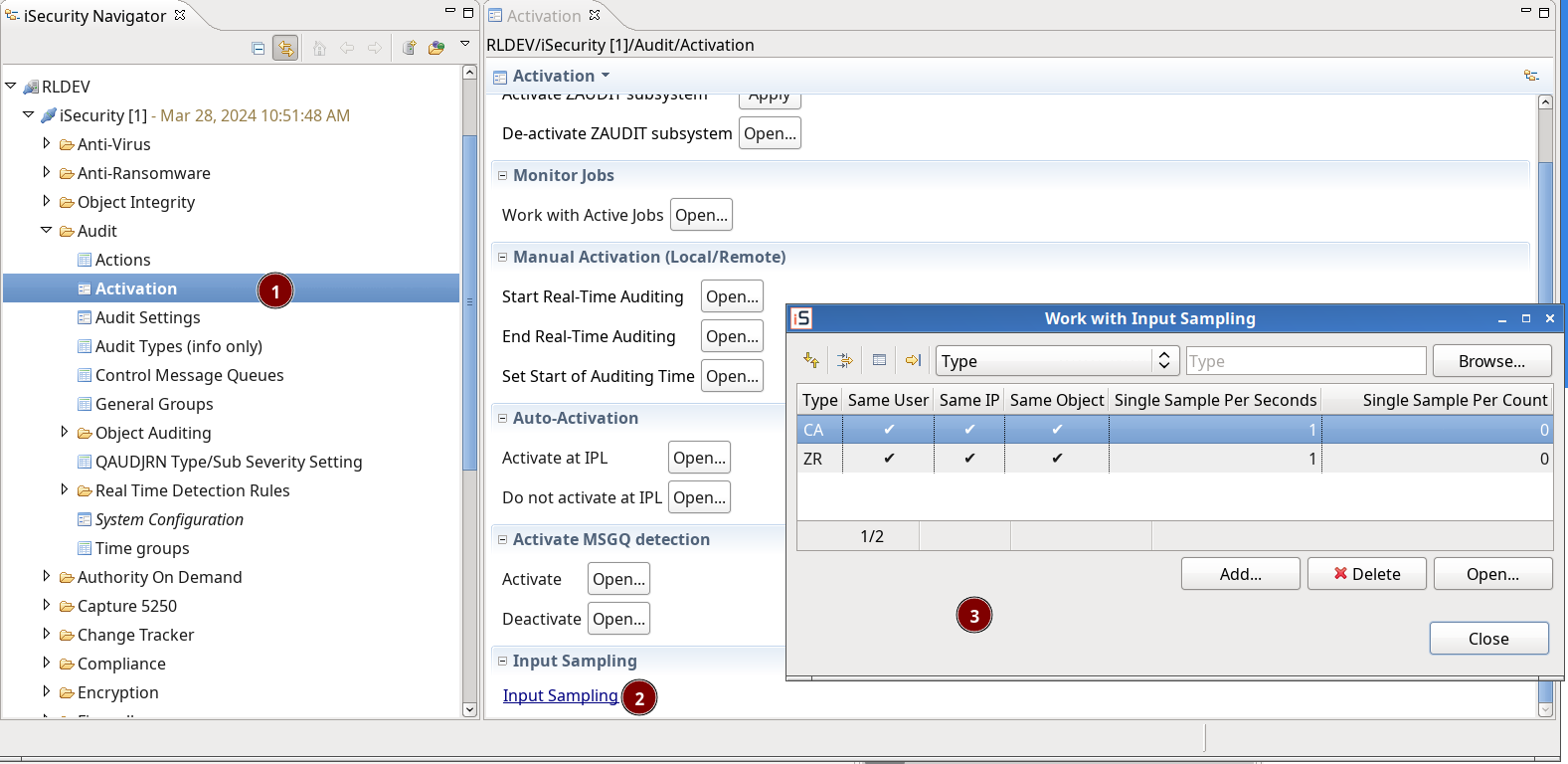
- Input sampling: Added a link for the dialog
Firewall
Enhancements
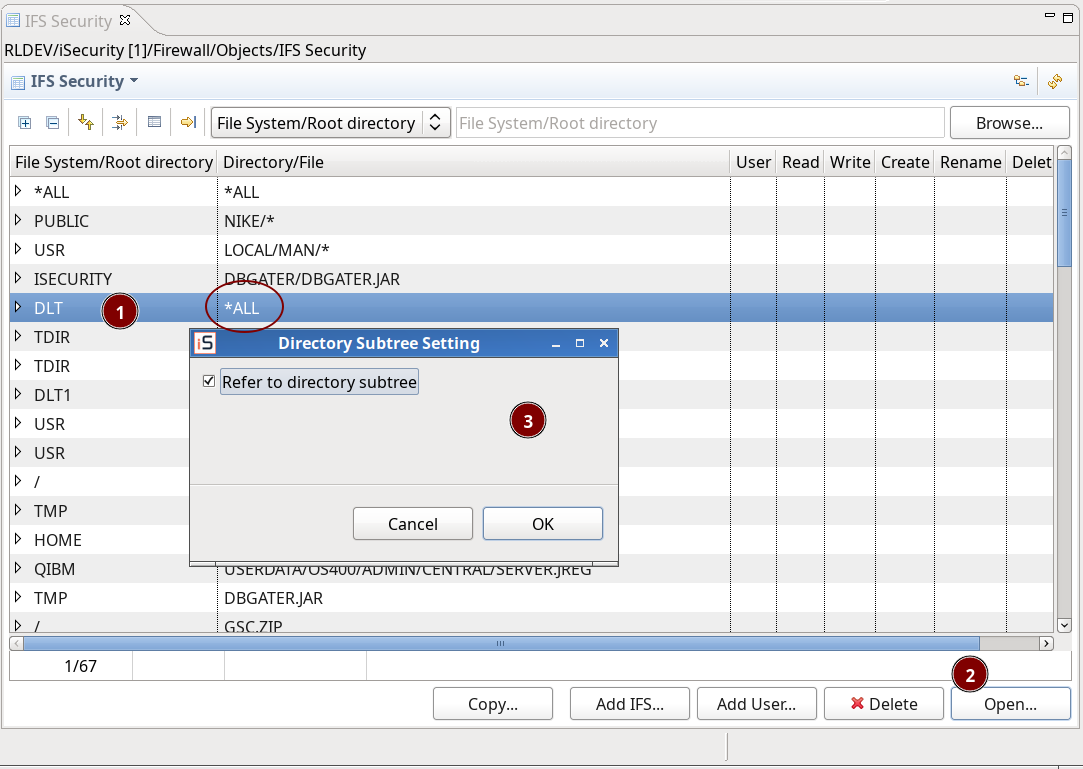
- IFS Security in Firewall 19.03: Allow Open for directories that are *ALL
MFA
New Features
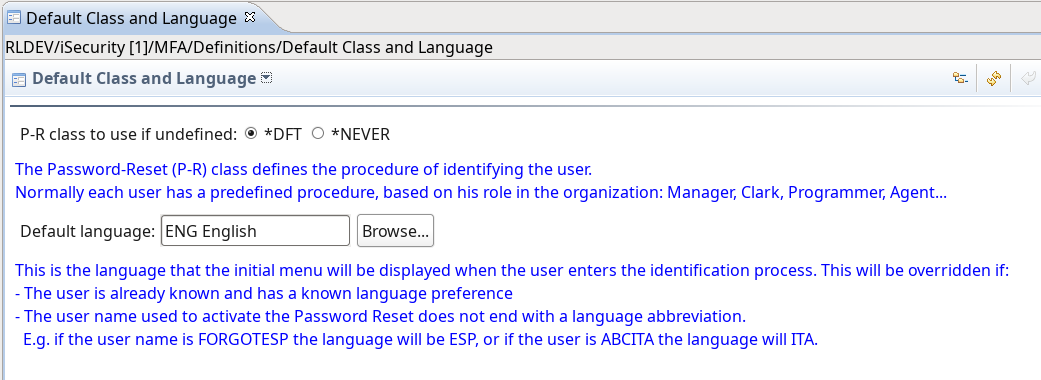
- Default Class and Language.
Enhancements
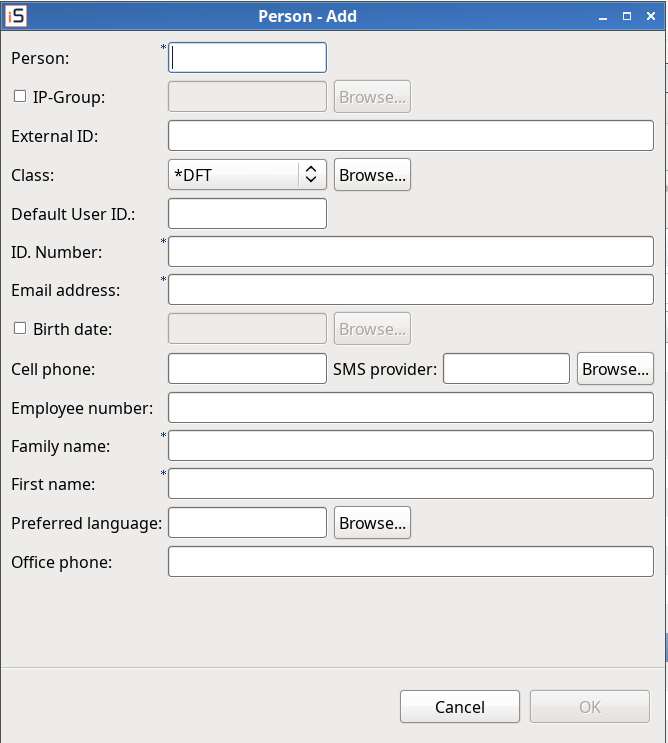
- Persons: Adjusted to native.
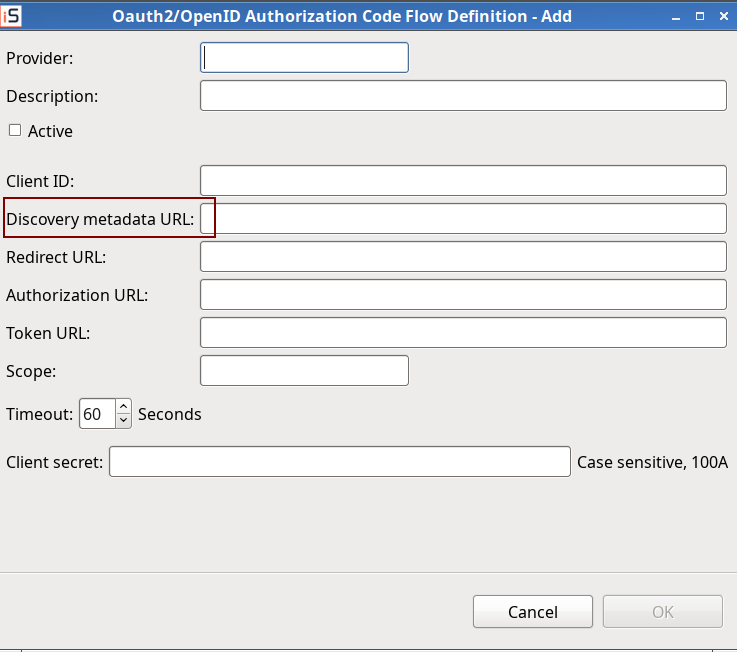
- External Authority Providers: Updated Metadata discovery URL for signature verification of JWTs in OpenID Connect and Oauth2.
Version 5.1.10 (October 2023)
- GDPR (Encryption) discovery – count records: Optimization and bug fix
- Check authorization for Capture 5250: call SMZC/GSEPWDR instead of SMZ4/GSEPWDR.
- Firewall – User/group security -Servers: if all verbs of server are allowed and server is configuring to ‘by verb’, the server is allowed too. (adjusted to native)
Dashboard
New Features
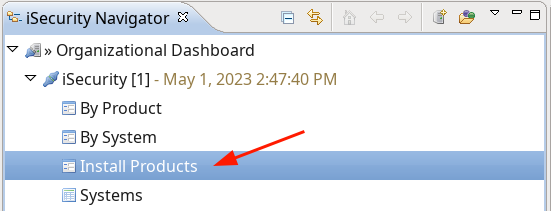
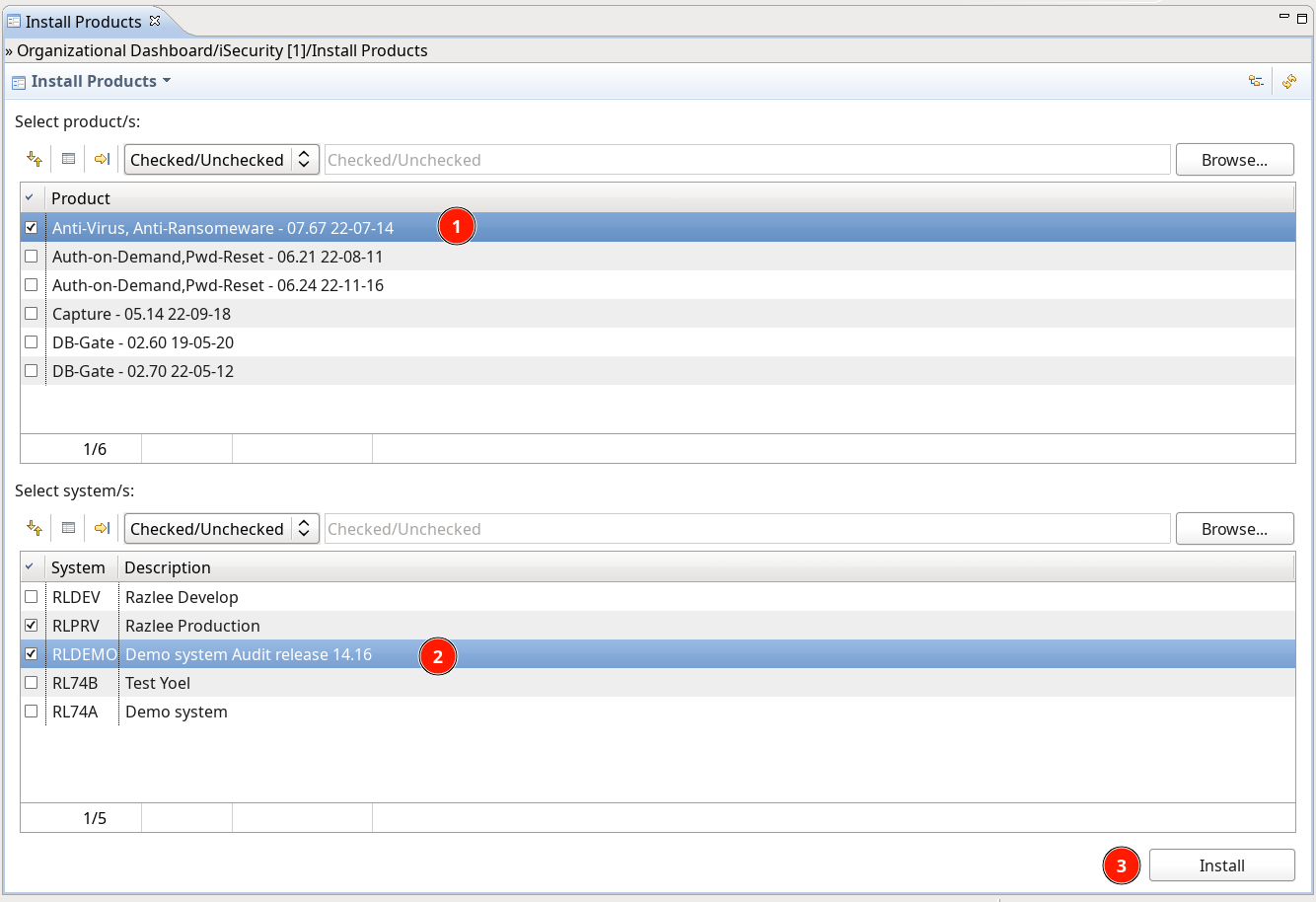
- Installation of products
Enhancements
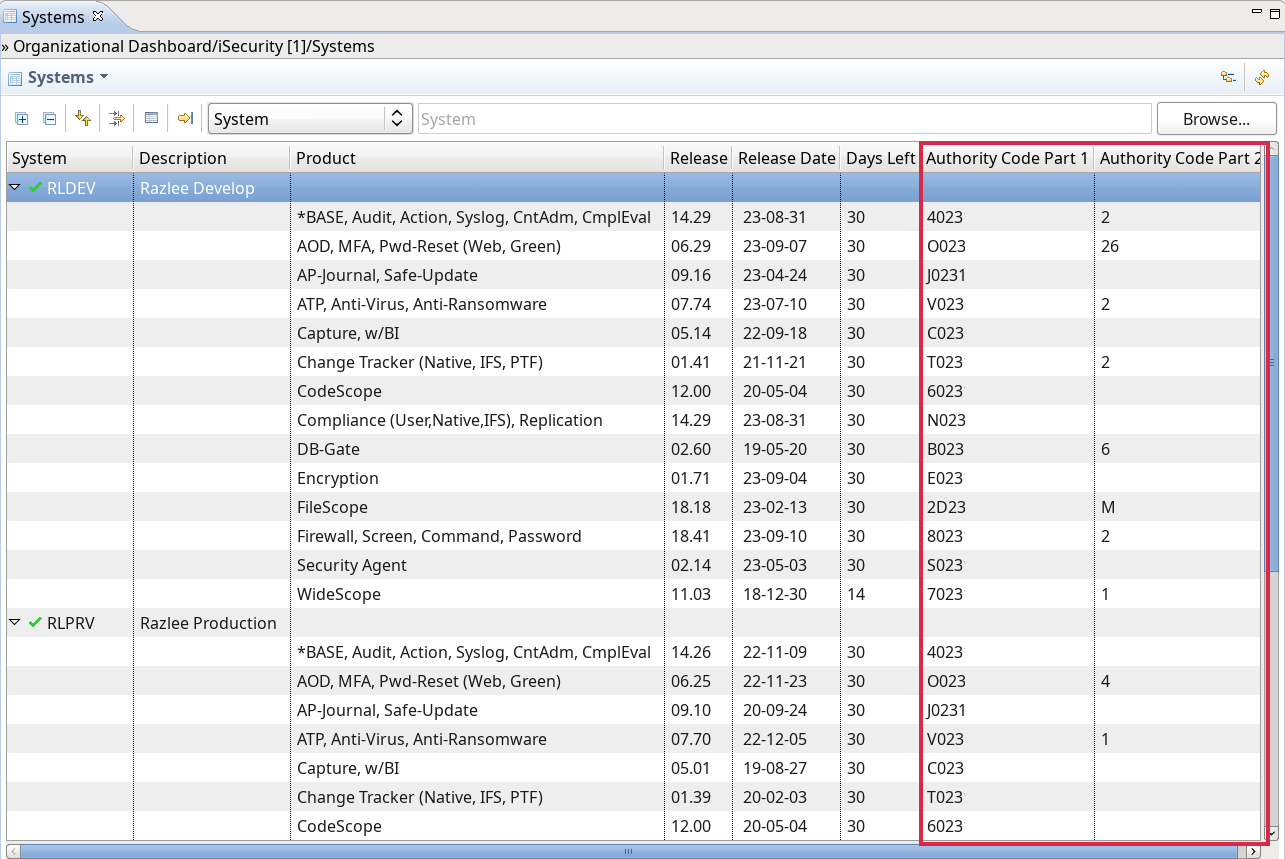
- System info: added authorization code columns
General
New Features
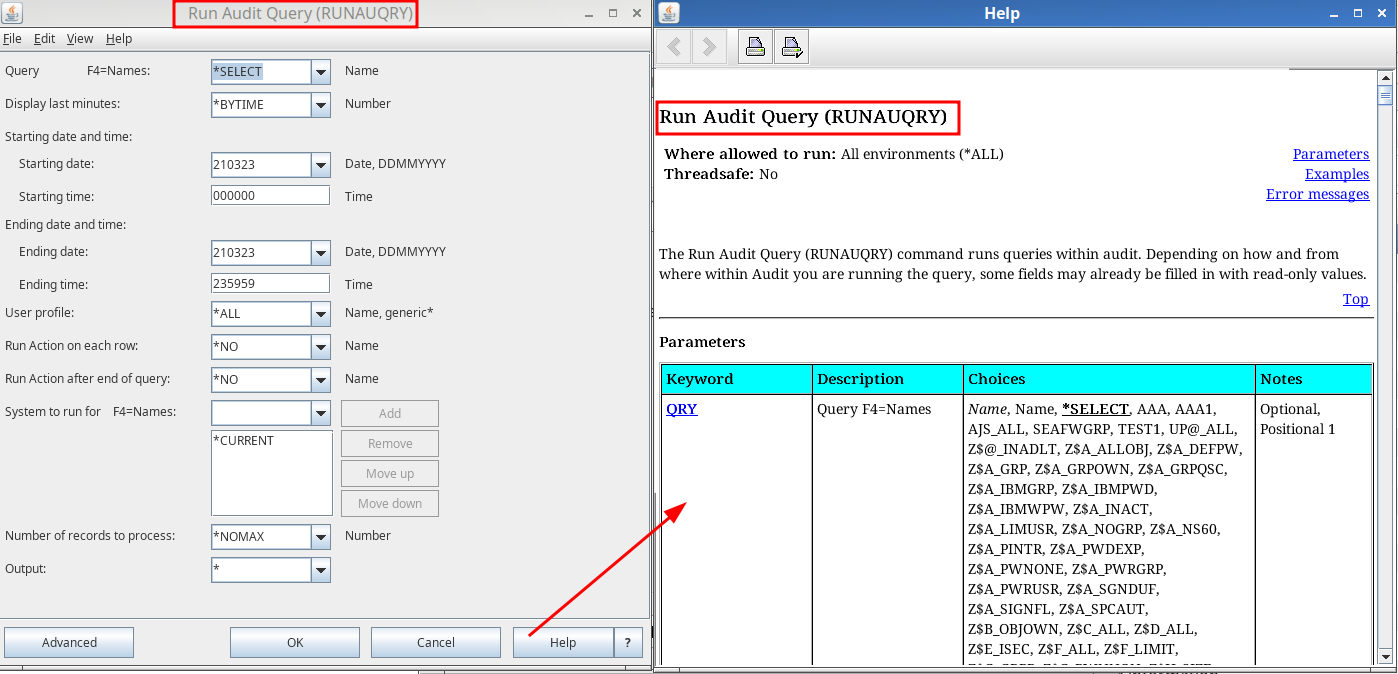
- Help is now available from the IBM’s command prompter
Audit
New Features
- System configuration – SIEM: adjusted to native.
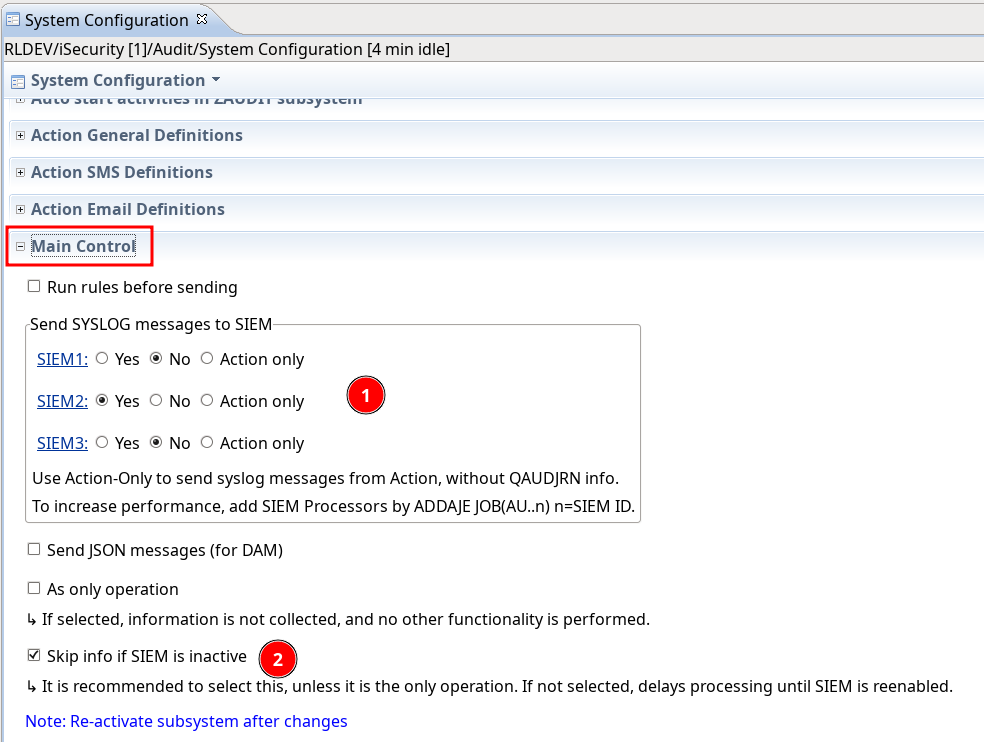
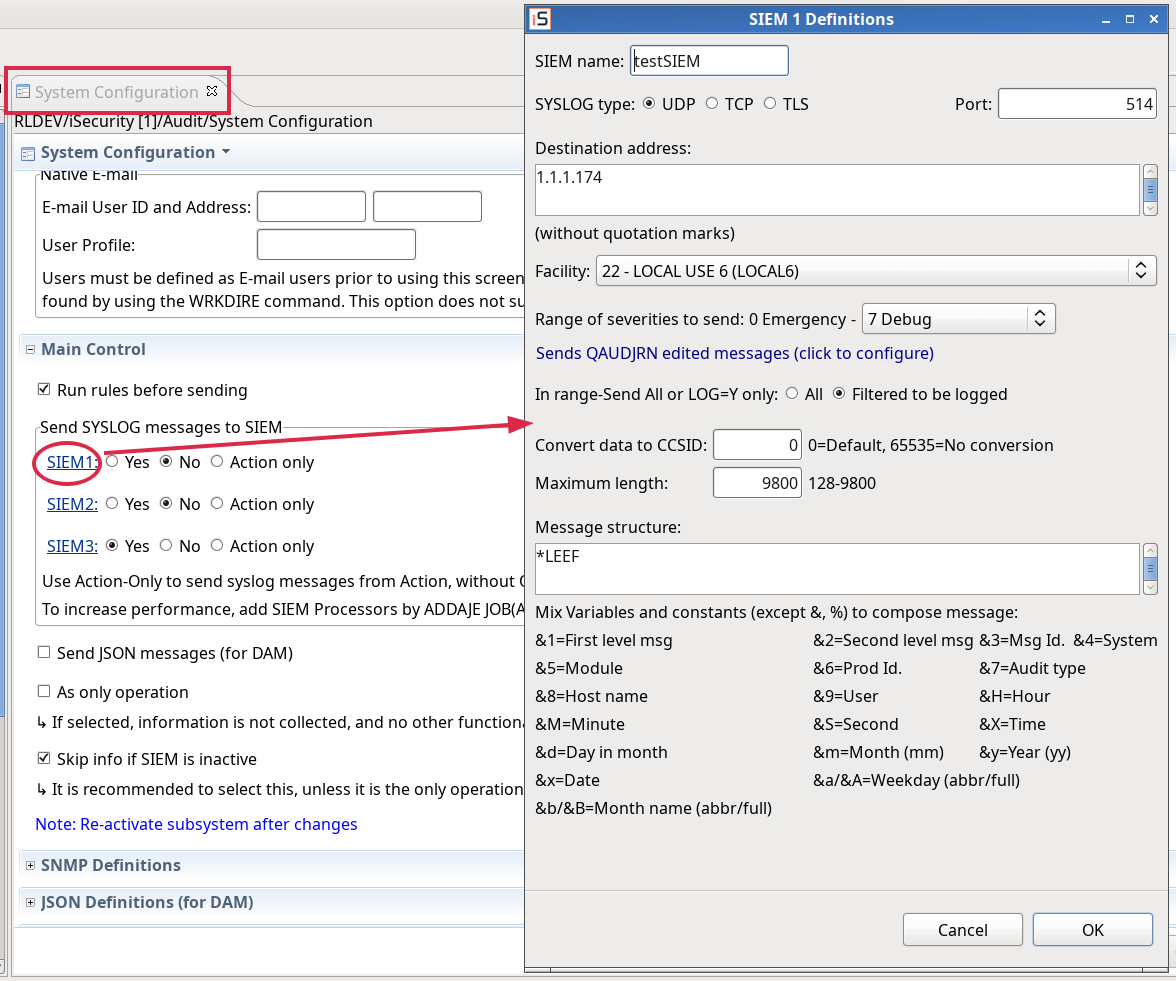
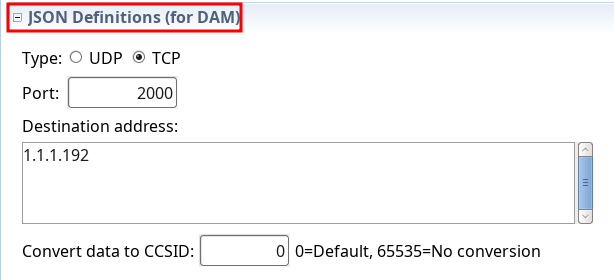
- System configuration: removed Twitter settings and added JSON Definitions (for DAM)
- QAUDJRN Severity Setting – SIEM: adjusted to native
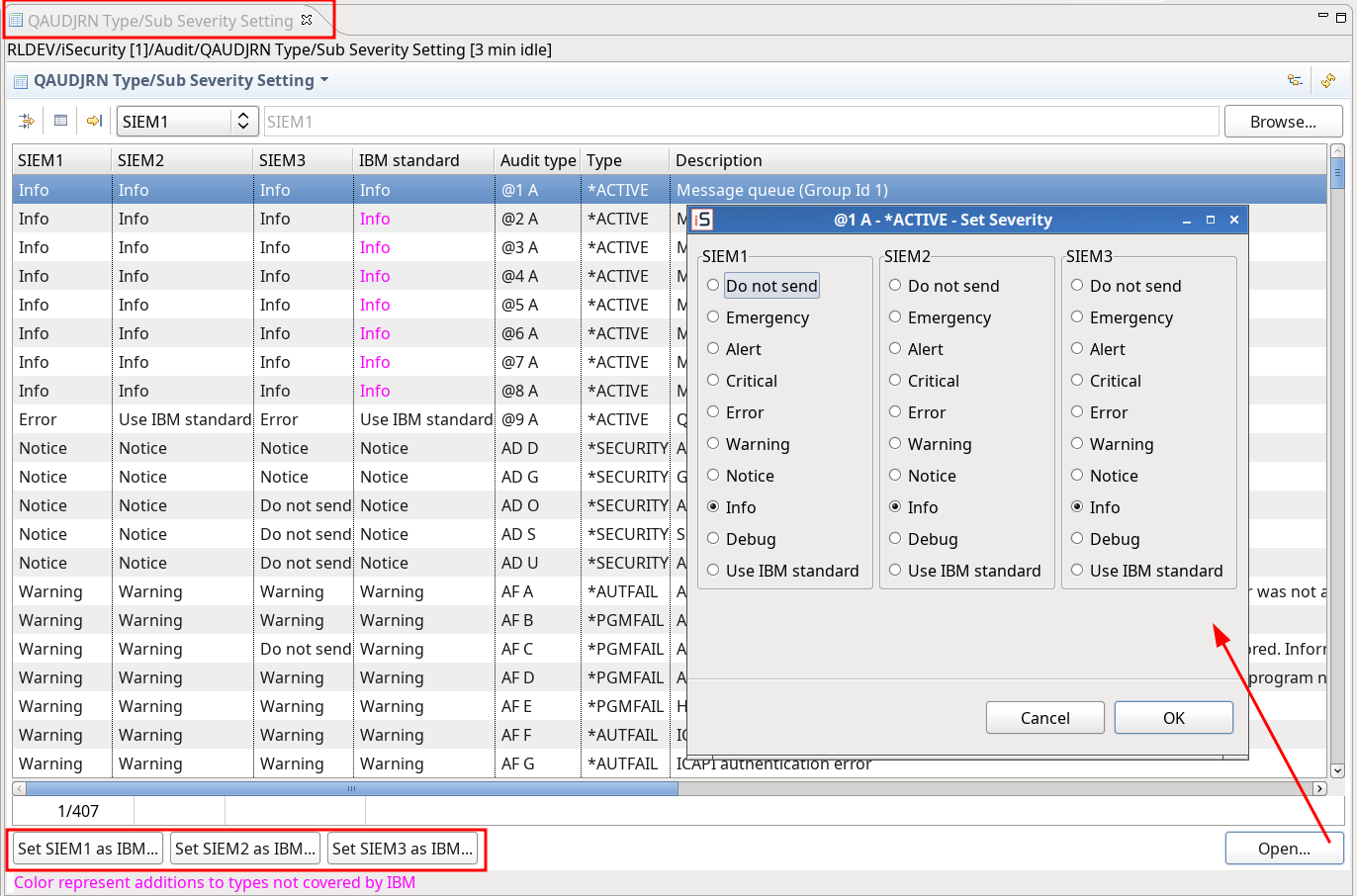
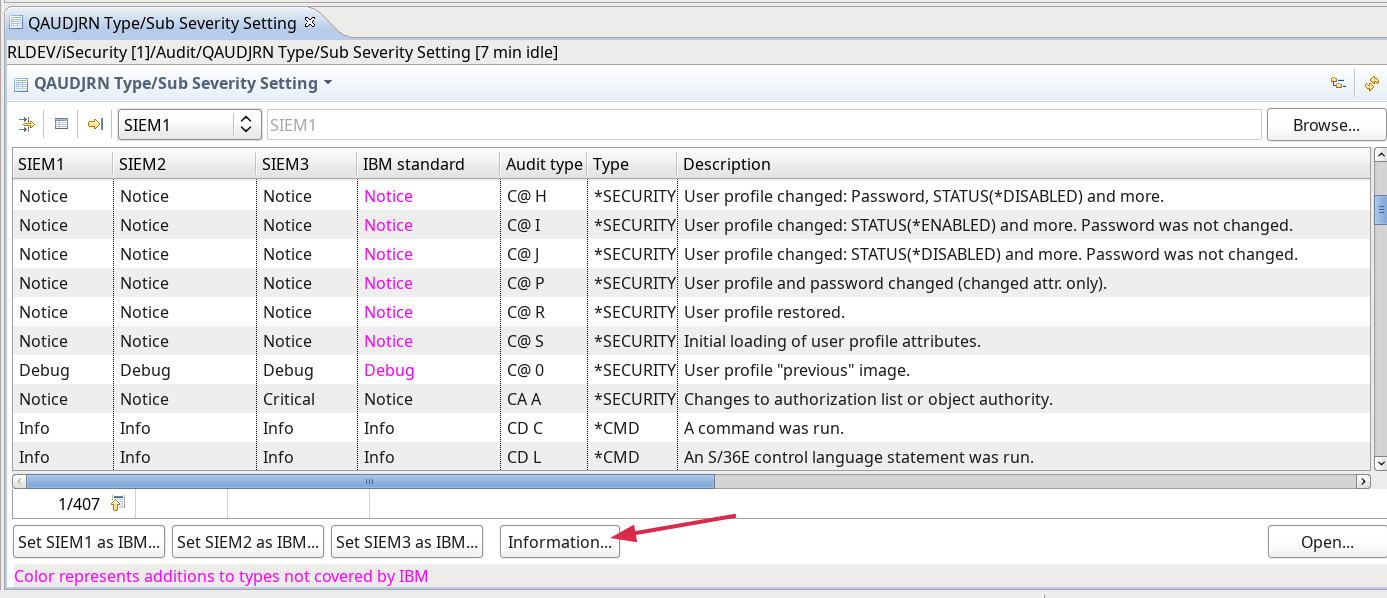
- Added QUAUDJRN info button
Firewall
Enhancements
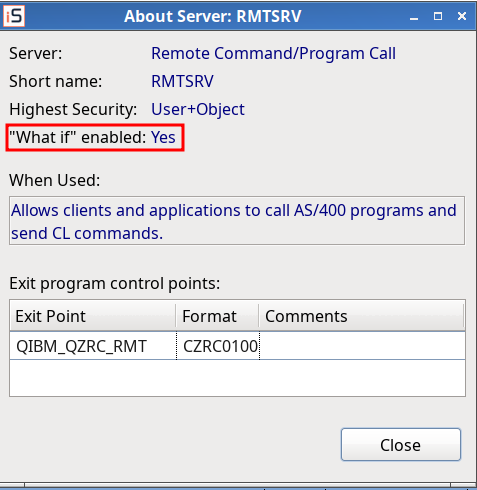
- Server Settings – About Server: added “what if” status.
MFA
New Features
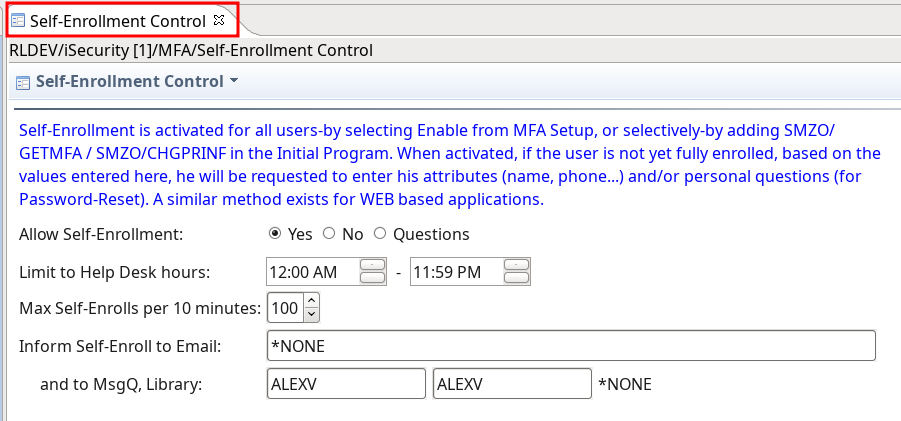
- Self-Enrollment
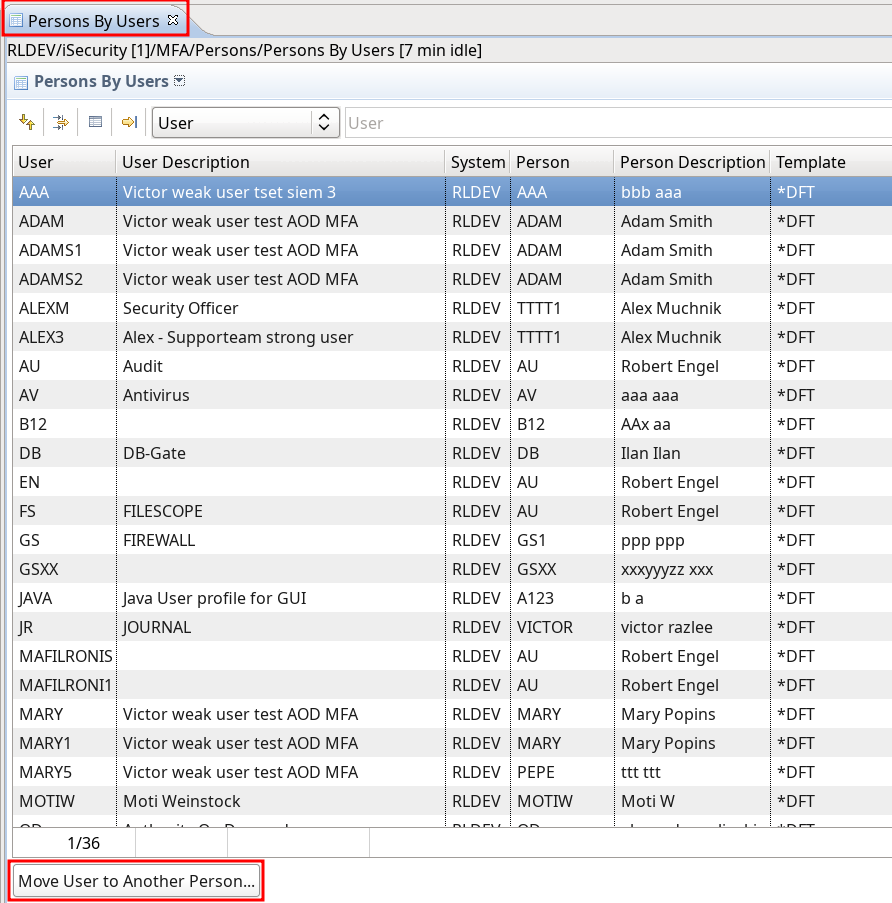
- Persons by Users
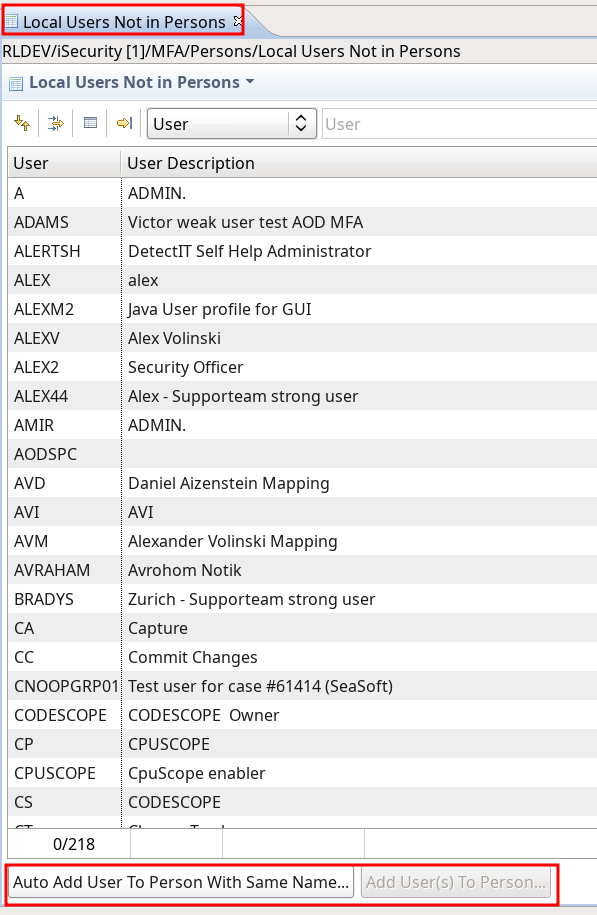
- Local users not in Person
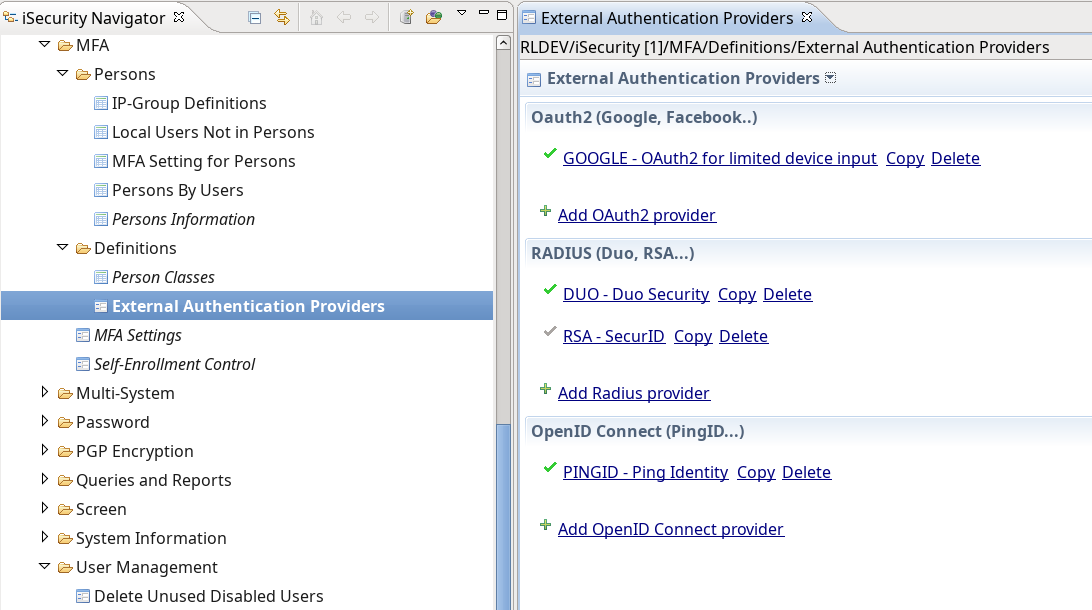
- External Authorization Providers
Enhancements
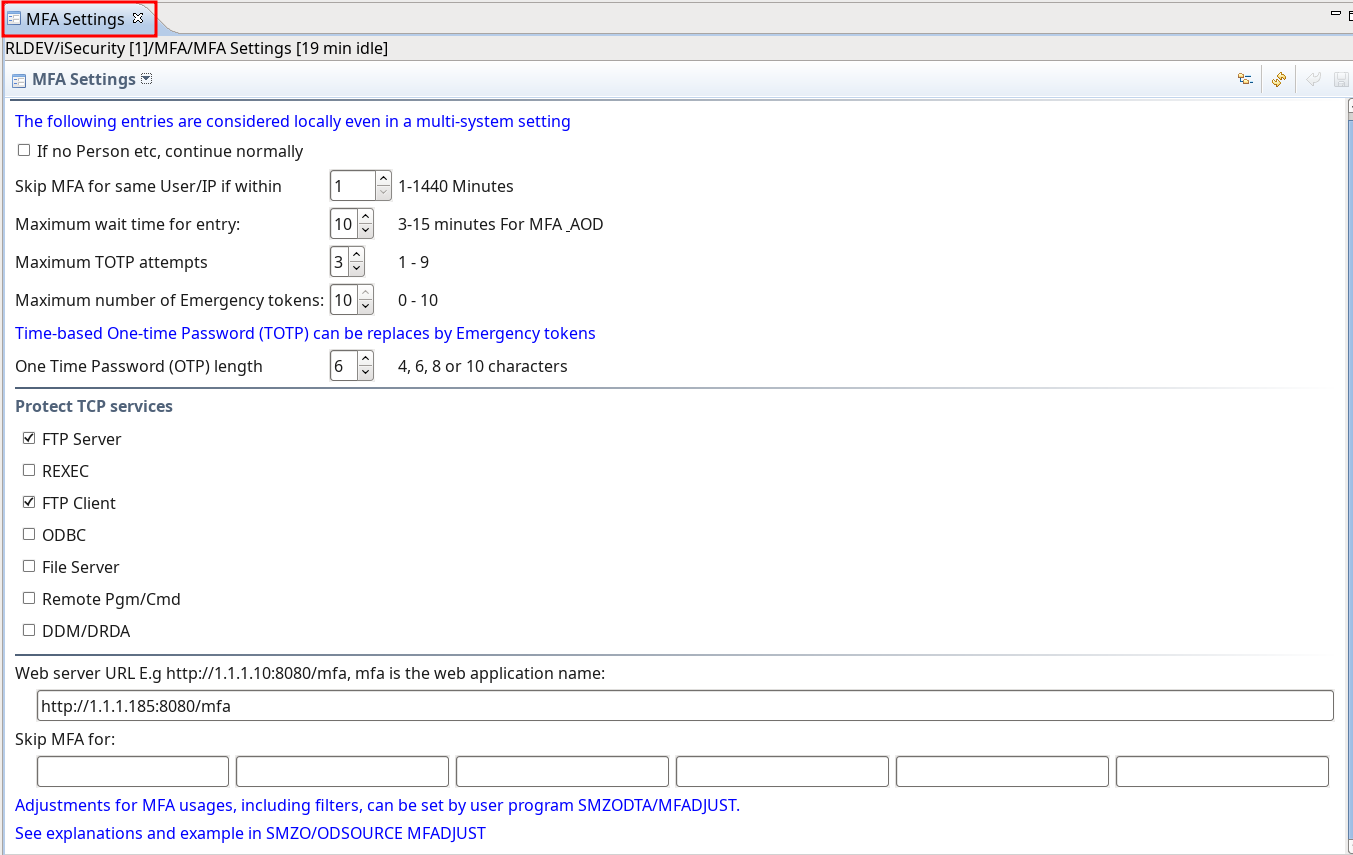
- Settings adjusted to native
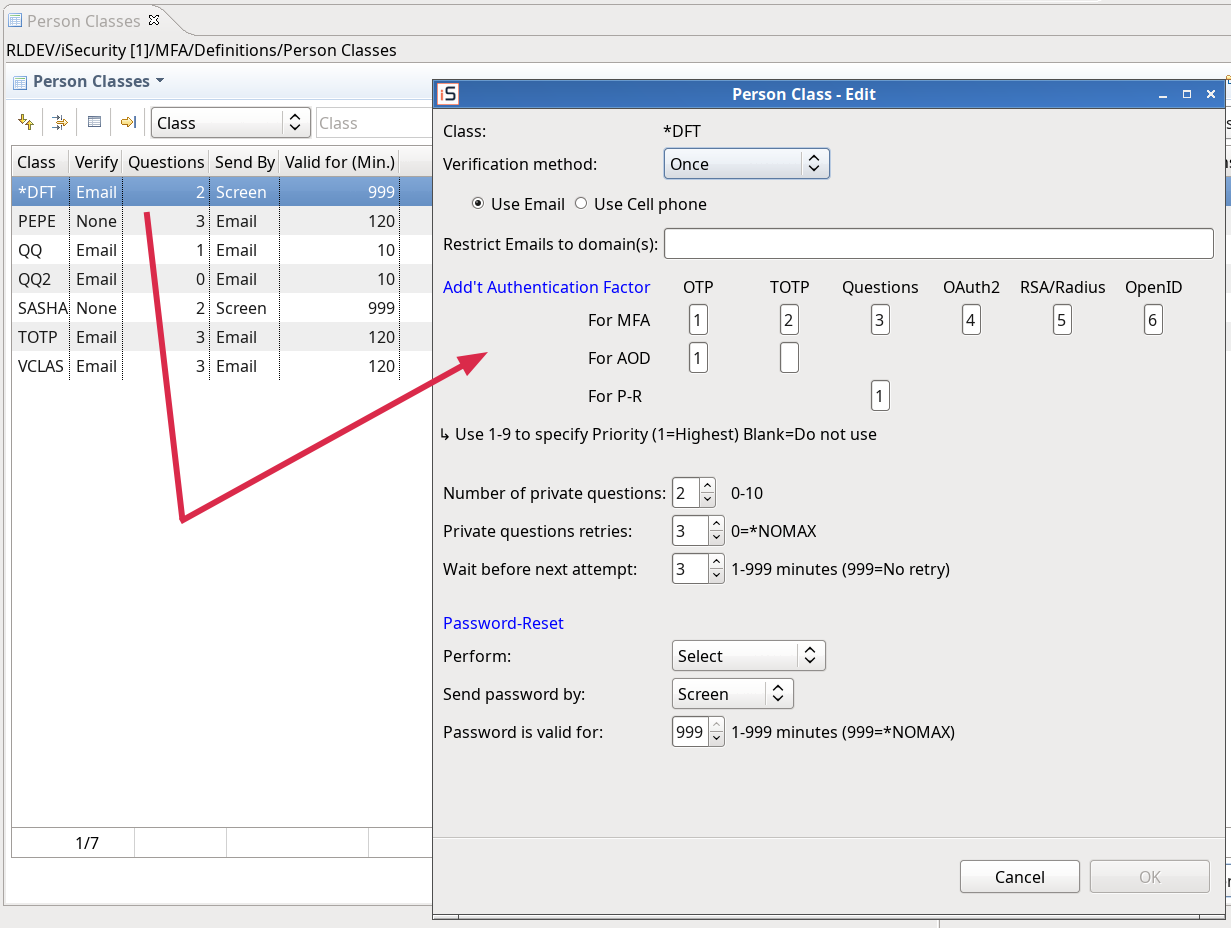
- Add/Edit PrClass Dialog – adjustment to native
Fixes
- MFA – Persons: bug fix in delete a person – the systems of the person are also deleted now
Journal
Enhancements
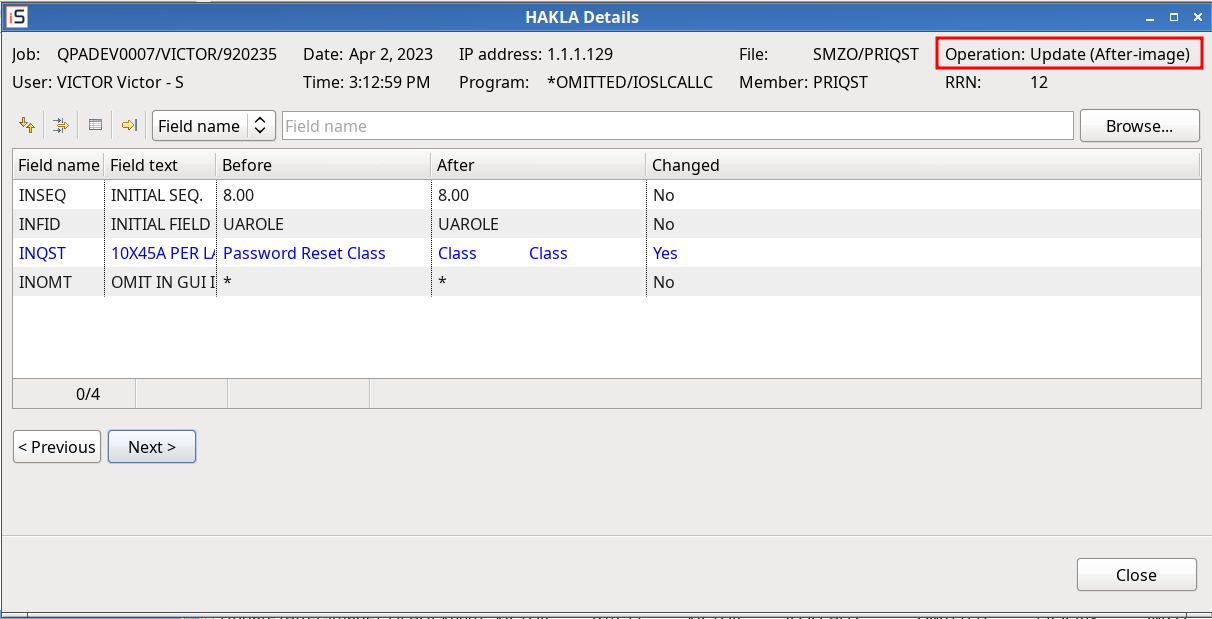
- Application Output – Operations adjusted to native
Version 5.0.90 (October 2022)
- General: Authorization program SMZ4/GSEPWDR is used now solely instead of its different copies on other libraries.
Dashboard
New Features
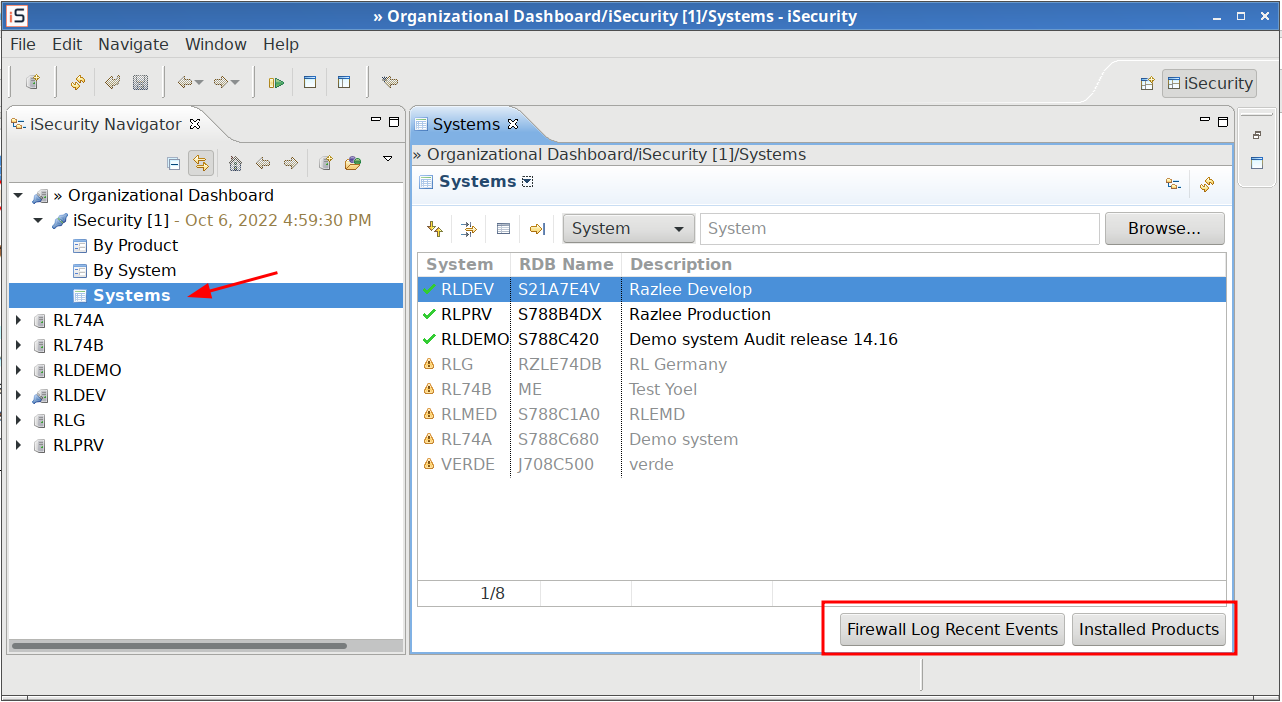
- Added systems table
Antivirus
Enhancement
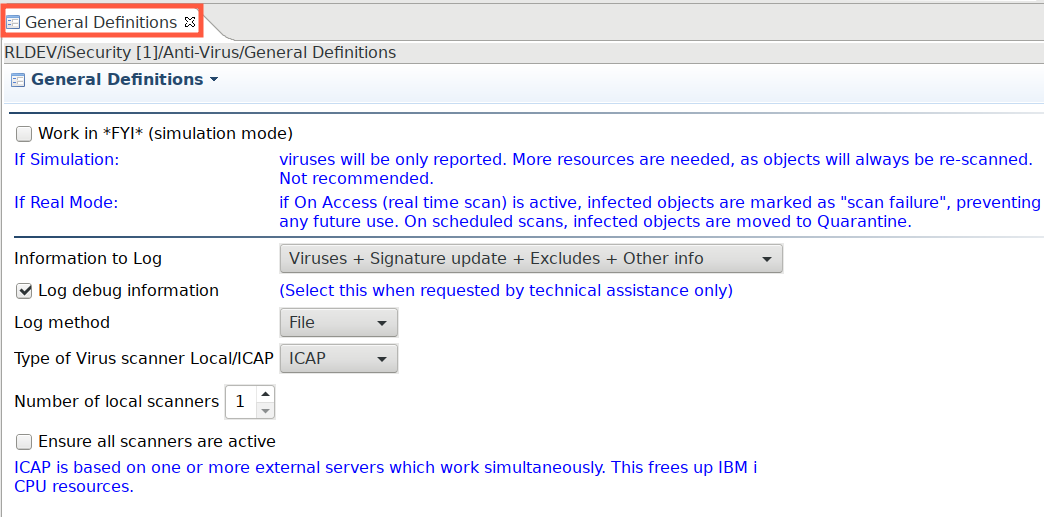
- General Definitions updated for 7.67
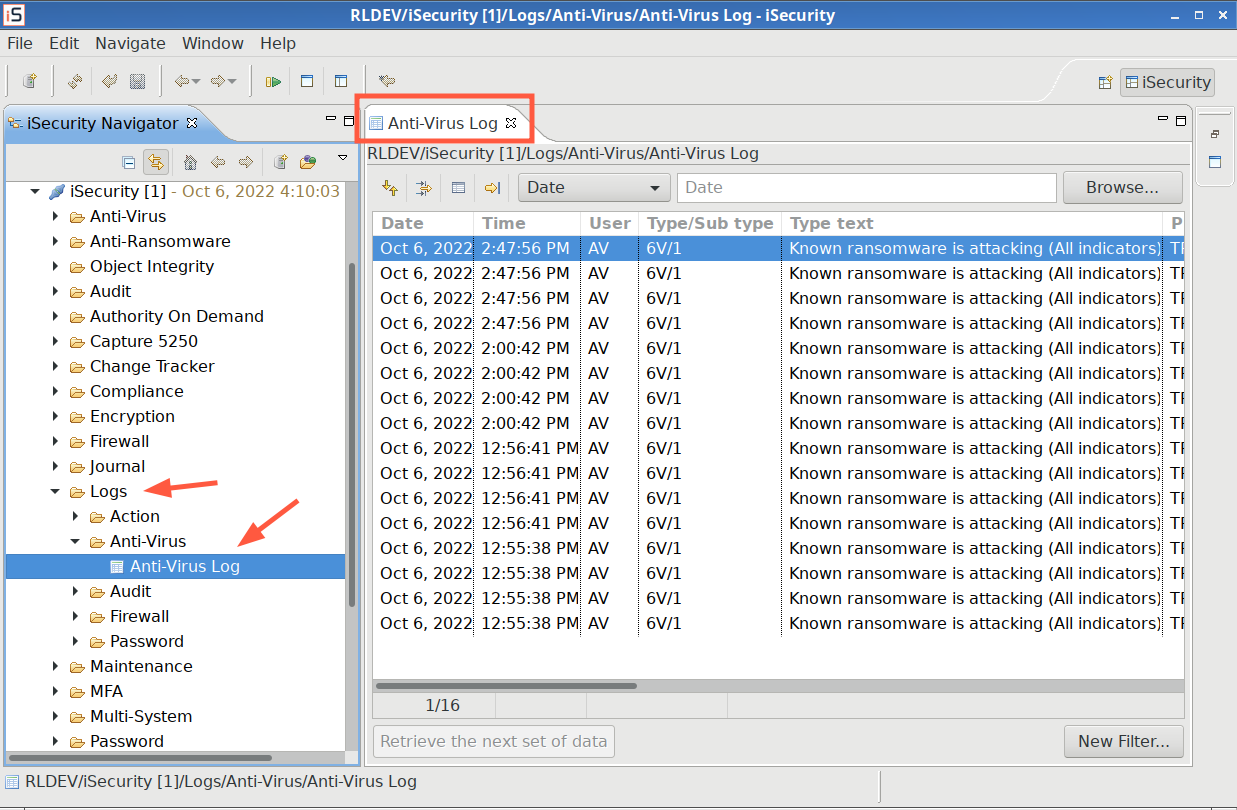
- Native log: AV/AR native log
Firewall
Enhancement
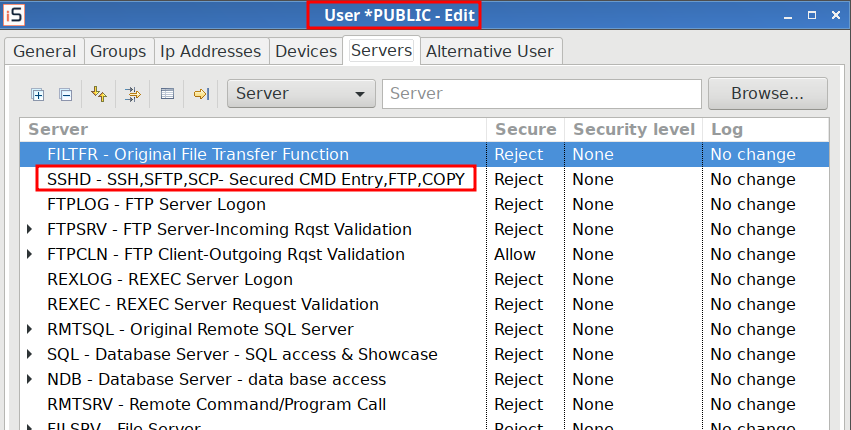
- Users and Groups: SSHD settings in place of Original Data Queue Server (ORDTAQ)
MFA
New Features
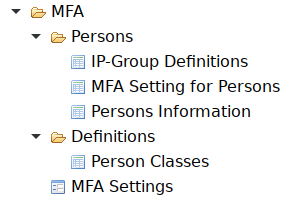
- First release.
User Management
Enhancement
- Change User Profile: Added a native command that supports long user profile passwords If QPWDLVL of the system is greater than ‘1’.